Try the demo first
Open the live Ticket2Event demo site to inspect the buyer experience before a sales conversation.
Try DemoUse the homepage as a fast route into demo access, product proof, and package clarity before sending launch details to Smart Click .
Open the live Ticket2Event demo site to inspect the buyer experience before a sales conversation.
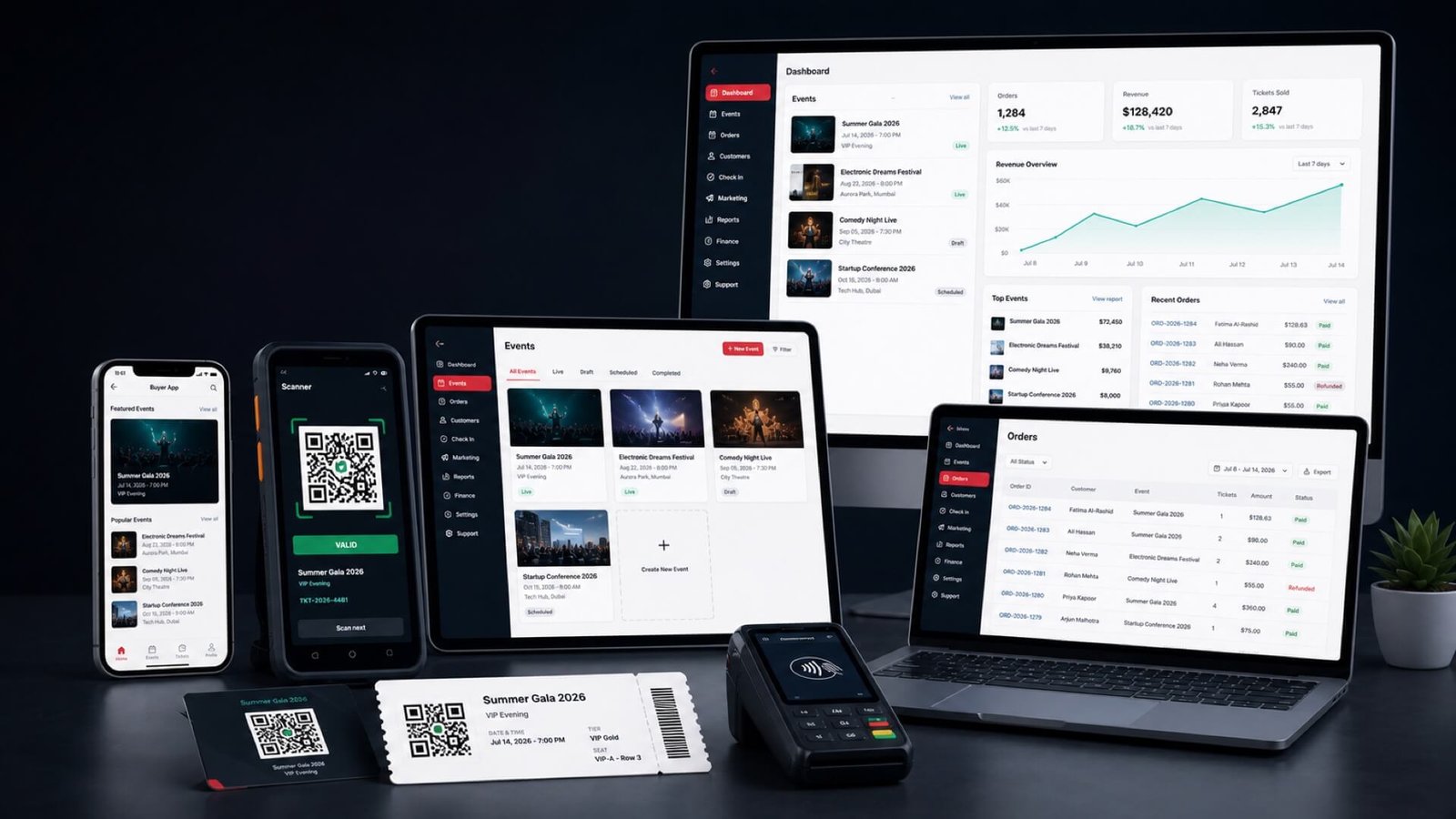
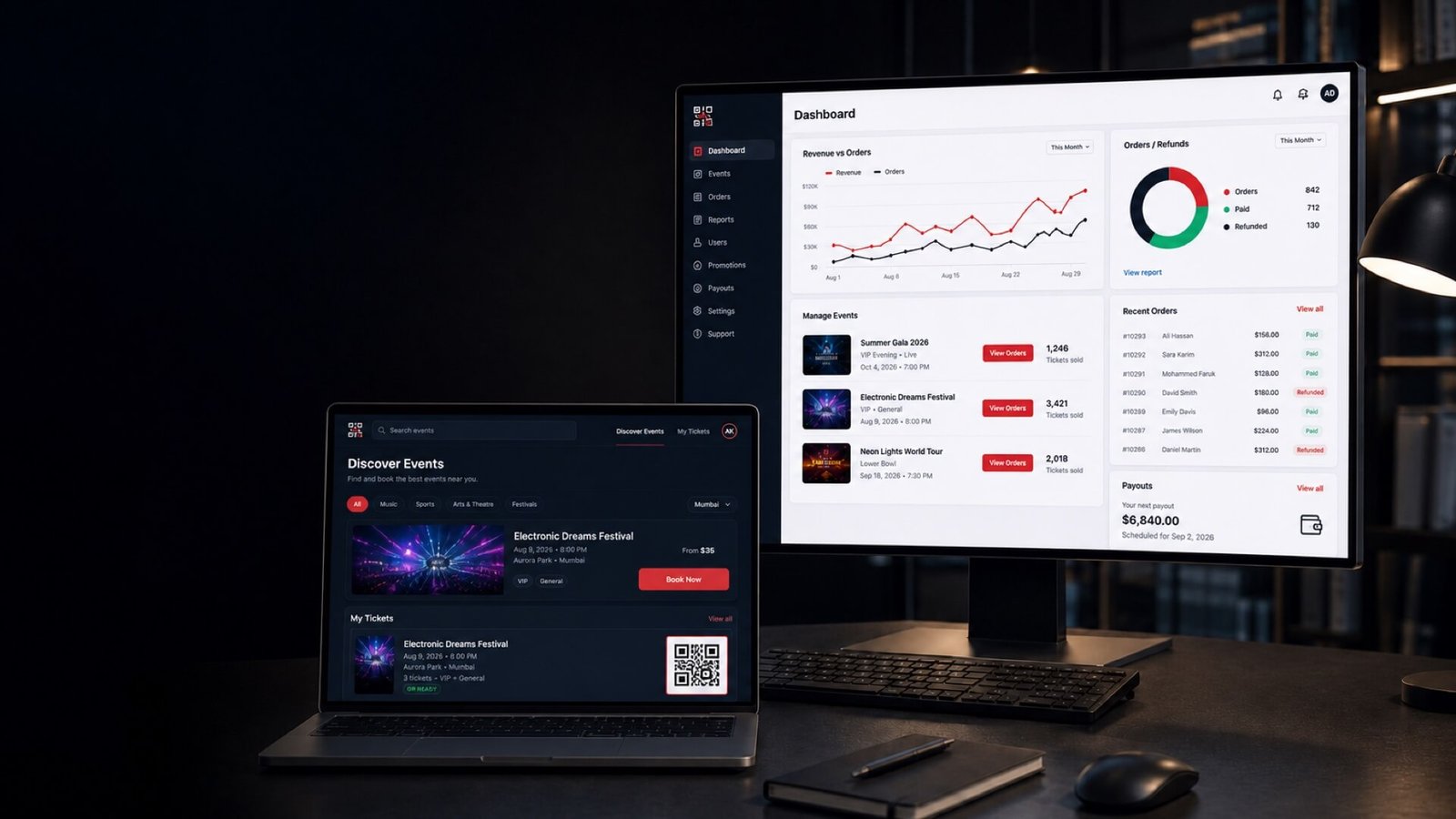
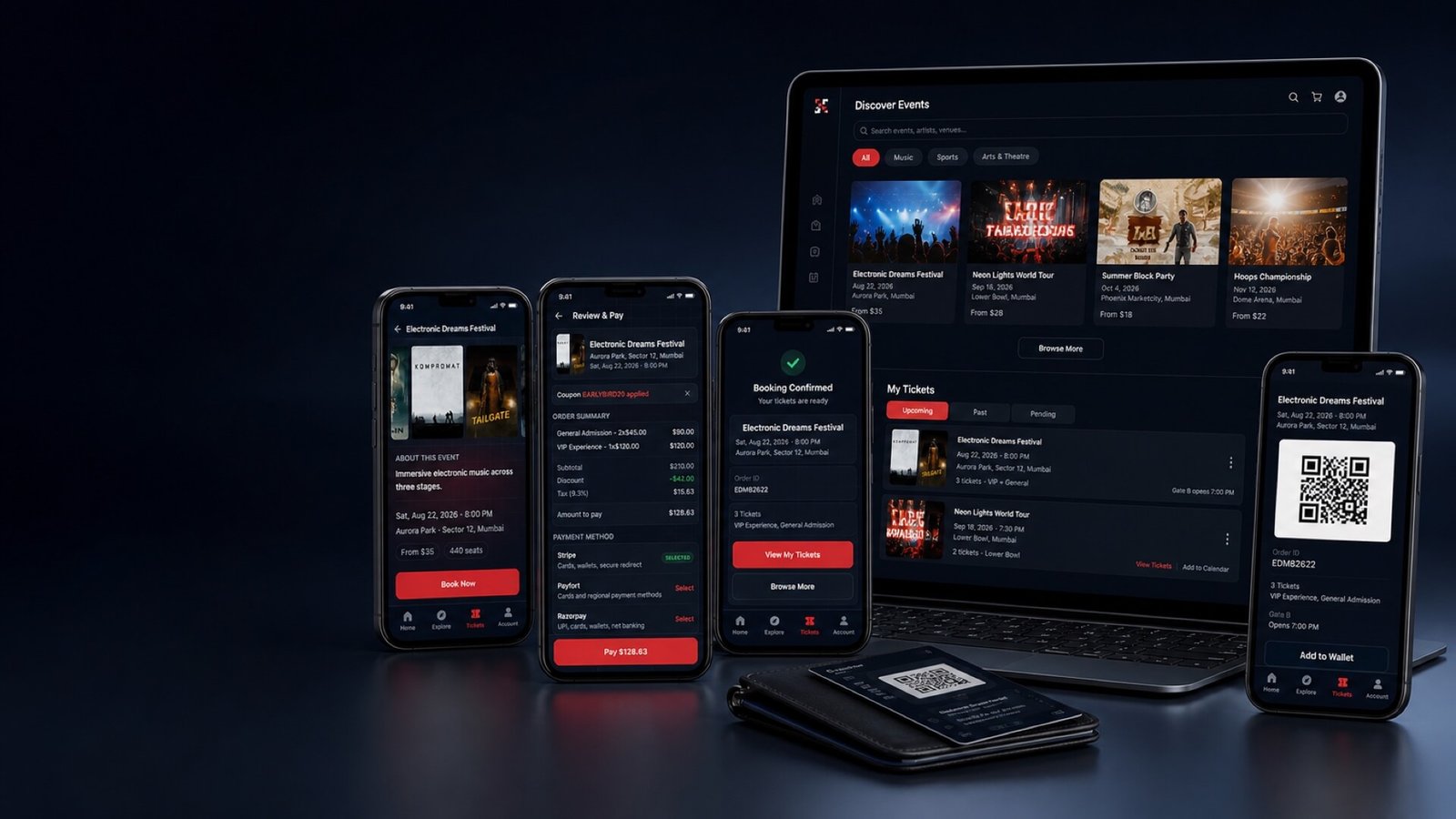
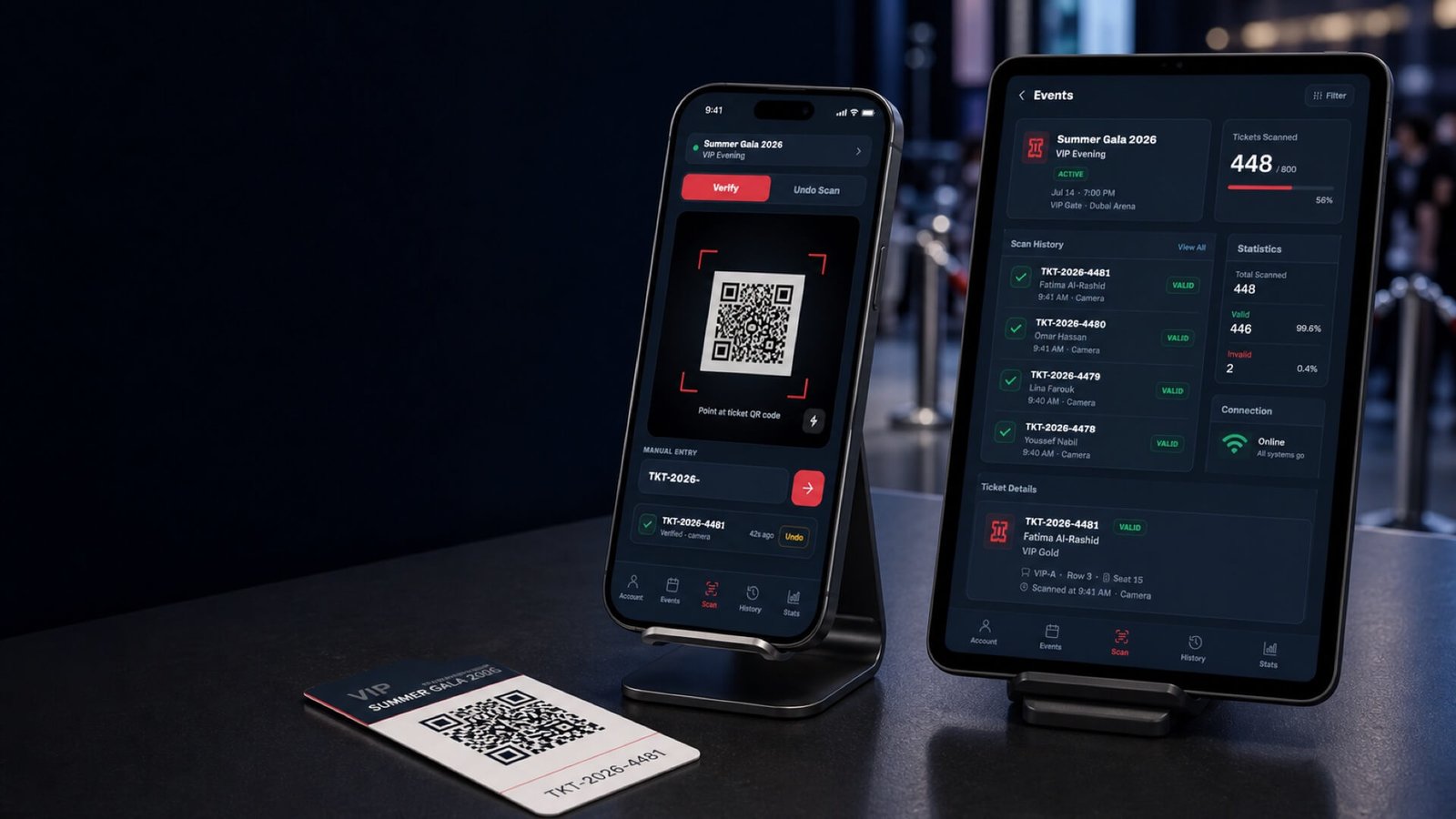
Try DemoReview real Ticket2Event screens from buyer apps, scanner workflows, and the hosted demo website.
View ScreensSee the public Web Platform, Web + Buyer Apps, Complete Suite, and Enterprise / Custom paths.
Compare PricingTicket2Event gives software buyers a ready event ticketing foundation instead of starting with blank product requirements.
Discovery, event detail, checkout, orders, QR tickets, wallet, reviews, support, and account controls.
Onboarding, event setup, shows, ticket inventory, staff, sales reports, bank details, and payout requests.
CMS, users, organizers, settings, providers, reports, moderation, support, and launch controls.
Assigned events, QR verification, ticket detail, history, stats, PIN flows, and undo support.
Review buyer discovery, event detail, ticket access, scanner events, QR scan screens, and hosted demo surfaces as part of your evaluation.
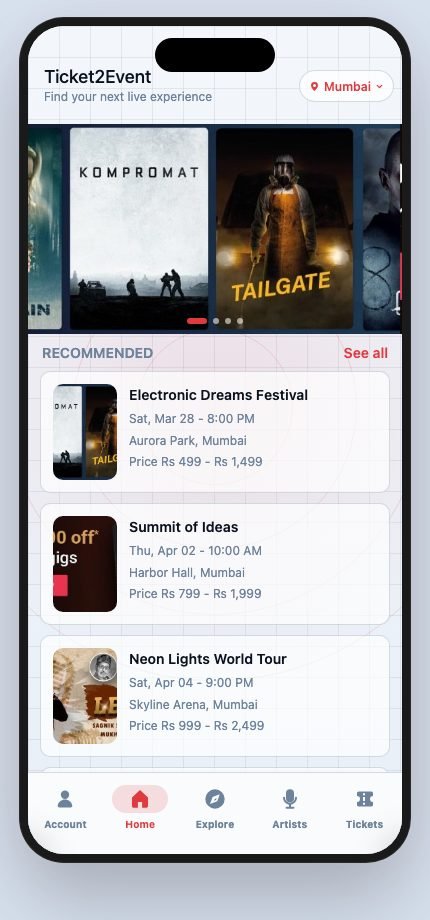
Mobile buyer app screen for discovering event inventory.
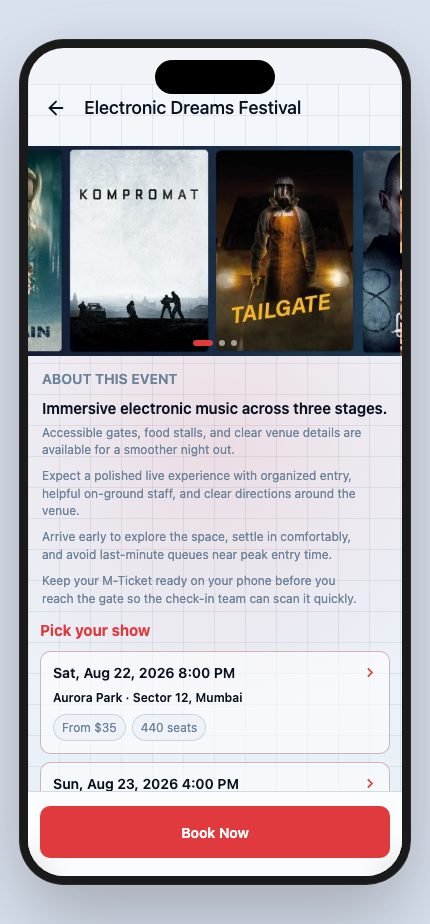
Event detail flow with show and ticket decisions.
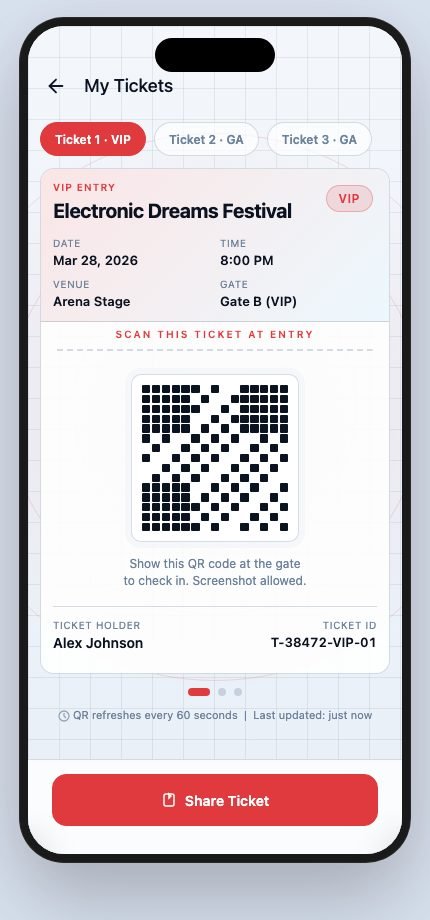
Order and ticket access flow for buyers.
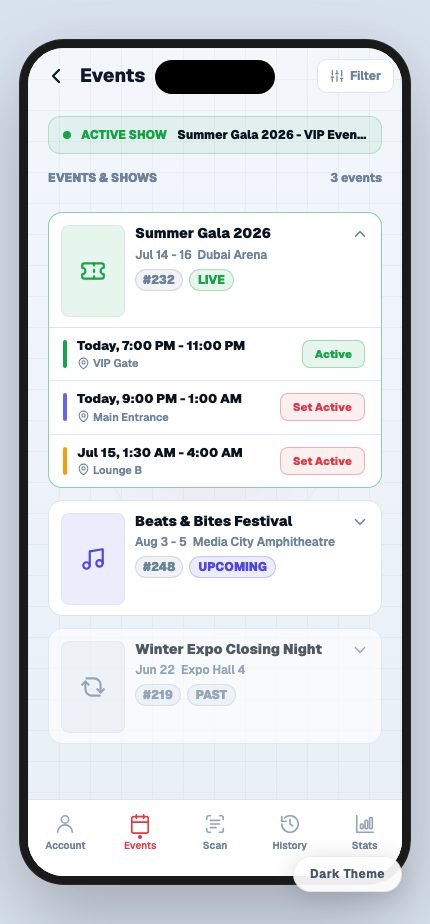
Event-day list for scanner staff.
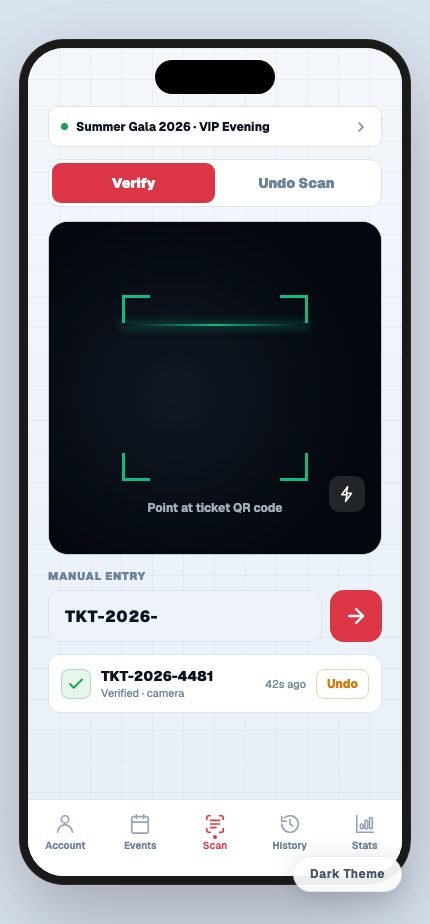
Ticket verification screen for entry operations.
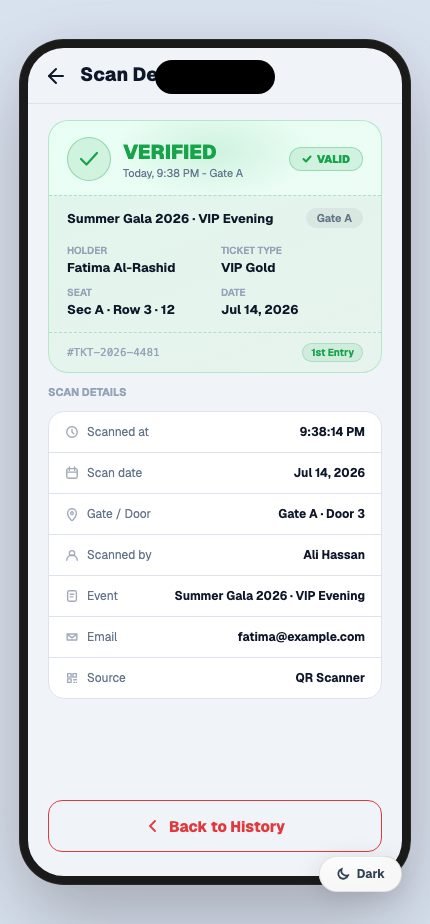
Ticket detail, history, stats, and undo support.
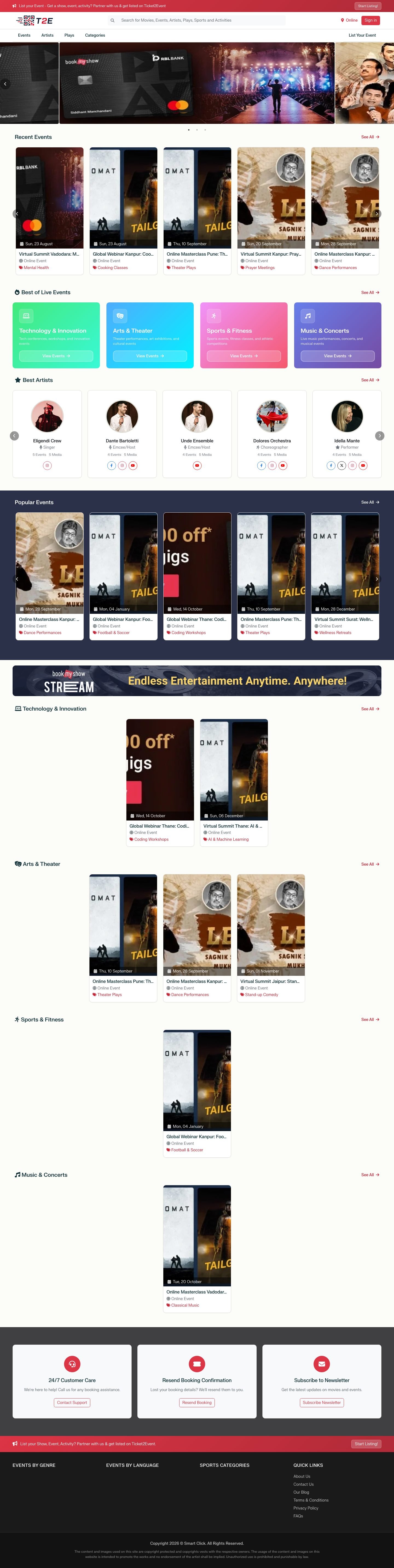
Hosted demo surface for public discovery.
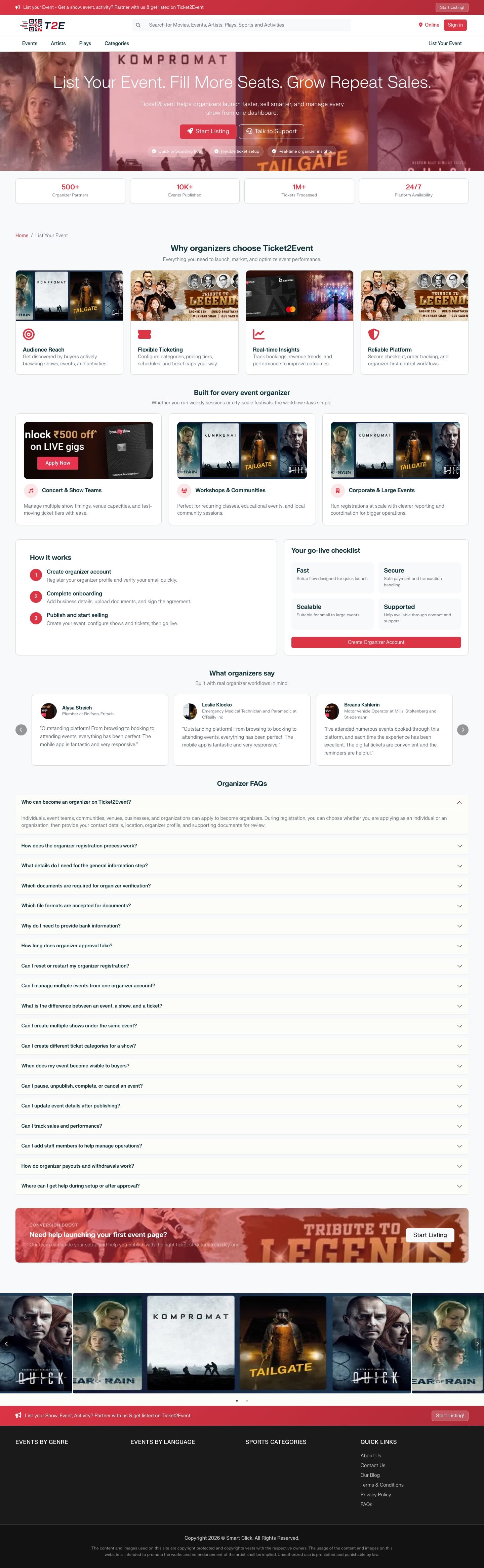
Hosted organizer landing page for listing events.
The demo helps you inspect the workflows first. The launch path then connects package scope, deployment, market setup, organizer onboarding, ticket sales, scanning, and reports.
Match Web Platform, Web + Buyer Apps, Complete Suite, or Enterprise / Custom to launch scope.
Install and configure the licensed Ticket2Event platform on the customer hosting environment.
Prepare domain, branding, payment provider, mail, notifications, storage, and platform settings.
Invite organizers and staff, prepare event ownership, and confirm publishing responsibilities.
Publish events, shows, ticket types, capacity, coupons, checkout, orders, and buyer support.
Use scanner apps for entry while organizers and admins review sales, activity, reports, and support.
Own the deployment, launch under your brand, keep your ticket revenue model, and get setup guidance from the team behind Ticket2Event.
Deploy Ticket2Event on your domain and compatible server or cloud account.

Ticket2Event does not take a commission from your ticket sales.
Public packages include 6 months of updates and standard support.
Plan hosting, payment, SMS/email, app store, branding, and localization before launch.
Clear ownership, support, and responsibility notes help your team prepare the right questions before a demo or package discussion.
A licensed Ticket2Event platform with the selected web, buyer app, and scanner package surfaces, deployment and configuration support, and 6 months updates and standard support.
You own the operating setup: domain, hosting or cloud account, provider accounts, brand assets, business data, legal copy, launch operations, and support identity.
Standard support covers delivered Ticket2Event defects, update guidance, compatibility questions, and launch-related product support during the included support period.
Hosting or third-party provider fees, provider approvals or outages, app store account approval, new features, content entry, business operations, and unrestricted source or white-label rights are not included unless separately agreed.
Use the demo site to review the buyer journey, event discovery, checkout flow, ticket access, and public event experience. After that, send the details that shape your launch so Smart Click can respond with the right package, setup, and customization guidance.